
A step-by-step masterclass for building and running a federal contracting business.
FedBiz Masterclass brings setup, registrations, opportunity review, quoting discipline, and operational follow-through into one clear place to learn.

Outcomes
What members should be able to do after moving through the course.
The curriculum is designed to reduce confusion and create a real operating sequence.
Set up a federal business with clean documentation
Understand CAGE code and SAM.gov registration in the right sequence
Read opportunities and filter bids by fit
Build quoting, purchasing, invoicing, and workflow discipline
See where BidRadar and Reyvn fit inside a serious operator stack
Who this is for
Designed for serious operators, not passive browsers.
The curriculum assumes you want clarity, systems, and execution quality.
New federal contractors
You need structure and sequence, not another stream of disconnected tips.
Existing small businesses entering government sales
You already know how to run a business and need the federal playbook.
Operators buried in manual workflow
You need better systems for quoting, ordering, invoicing, and delivery.
Module breakdown
A clean, progressive course map.
A few lessons stay open so you can review the teaching style. Full modules and downloads open with an active subscription.
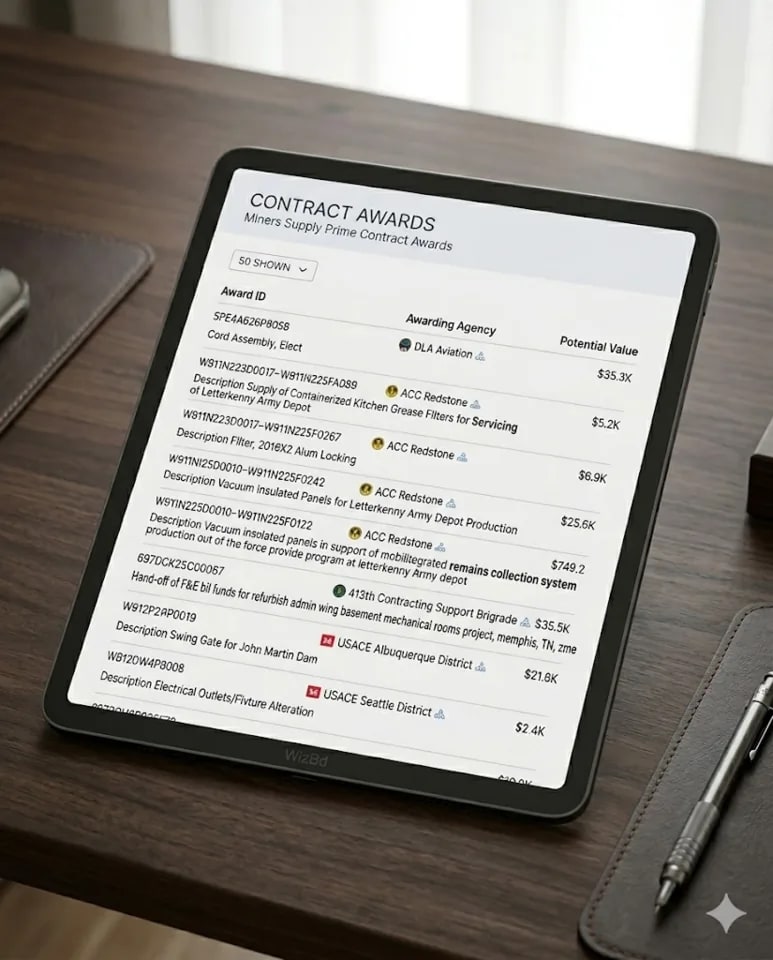
Foundation and Federal Setup
Get the entity, documentation, and operating assumptions right before you chase bids.
Start Here: What a Real Federal Business Needs
Orientation, expectations, and the operating model behind the course.
Entity, Banking, and Documentation Checklist
The practical business setup checklist before registrations begin.

How Buyers Think About Risk and Fulfillment
See the business through the buyer lens before you submit anything.
CAGE Code and SAM.gov
Handle the registration stack in the right sequence and avoid unnecessary delays.

CAGE Code Explained
What it is, where it fits, and how it connects to registration.
SAM.gov Registration Walkthrough
Field-by-field guidance with operational context.
Renewals, Updates, and Registration Maintenance
Keep your profile current so the business stays bid-ready.
Opportunities and Bid Filtering
Build a qualification process so you are not drowning in listings and weak-fit bids.
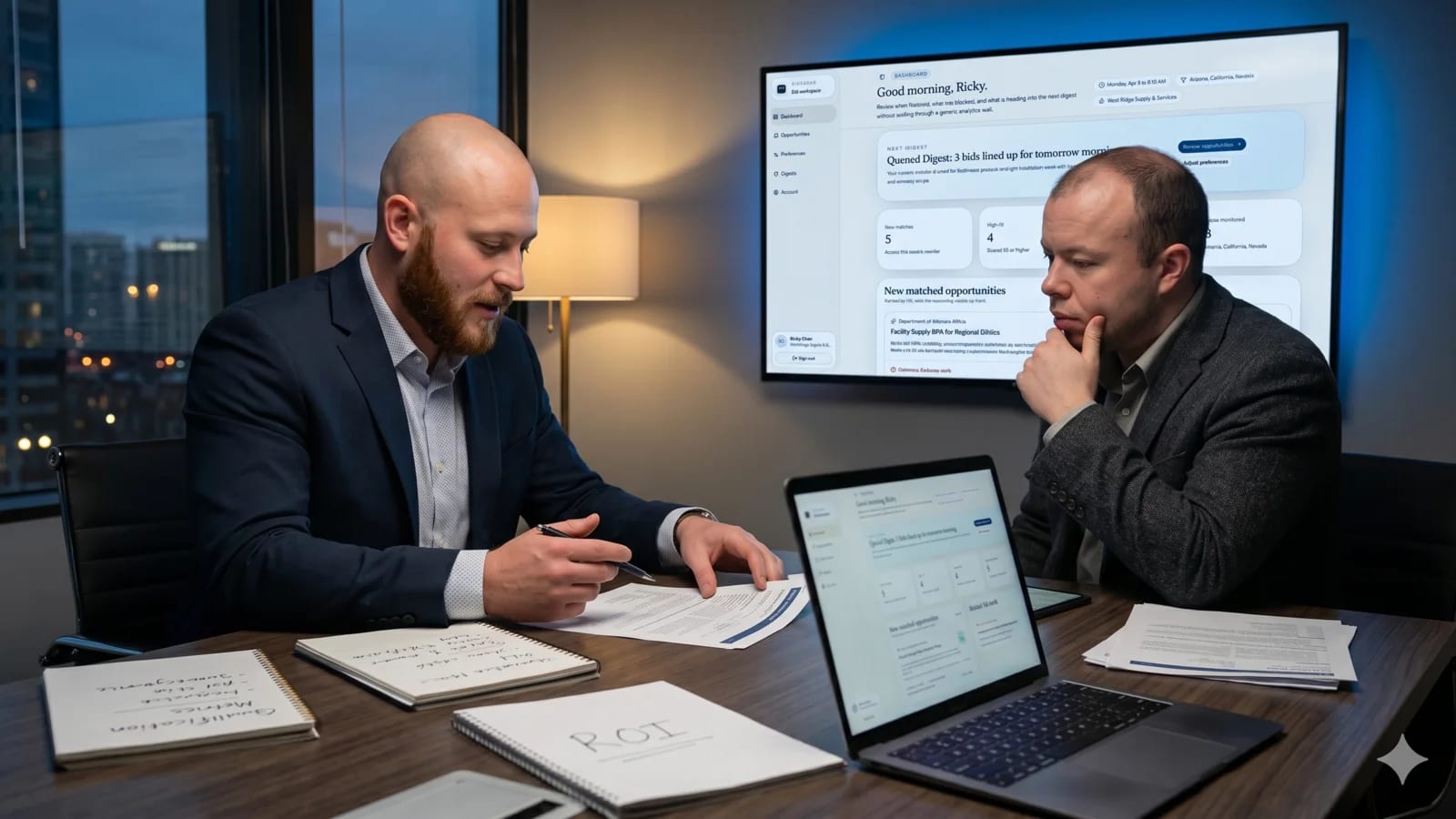
How to Read Opportunities
A repeatable way to scan notices for fit, scope, and feasibility.
Filter Bids by Fit, Capacity, and Buyer Pattern
Reduce wasted time by defining what a healthy bid looks like.
Weekly Pipeline Rhythm for Small Teams
Create a weekly operating cadence for review, decision, and follow-up.
Quoting, Purchasing, Invoicing, and Workflow
Connect your commercial decisions to the operational workflow that fulfills the work.

Pricing Discipline Before You Submit
Protect margin and execution quality before the quote goes out.
Order Workflow from Quote to Invoice
Design the handoffs that keep fulfillment clean after award.
When to Introduce BidRadar and Reyvn
Use software at the right stage of the business, not as a substitute for process.
Software fit
BidRadar and Reyvn complement the course. They do not replace the process.
Students first learn what good discovery and good workflow look like. Then the software can support that operating system.
Automate bid discovery once you know your fit.
Automated bid tracking for contractors who need to monitor relevant opportunities without checking every source by hand.
- Track relevant federal bids automatically
- Filter by fit, NAICS, agency, and set-aside
- Prioritize opportunities worth qualifying before you quote
Run the operational workflow after you win.
Operational software for quoting, purchasing, invoicing, and order workflow once the business is actually moving.
- Quote and invoice from one operating layer
- Manage purchasing and order handoffs cleanly
- Reduce workflow drift across live orders
Structured training for contractors who want a repeatable process.
If you want one place to learn setup, opportunity review, quoting, and operational follow-through, this is where the work comes together.
Included with enrollment
- A few open lessons before enrollment
- Member dashboard with progress tracking
- Practical software callouts inside the course